

Practising has its own place now
Practising used to be tucked away on your home screen, between your progress and your content. Now it has a tab of its own: Practice, at the bottom of the screen. Tap the activity you want and the app handles the rest — creating a tone if you don't have one yet, access, or a short checklist. No more hunting for where to start.
The app now has five tabs: Today, Practice, Journal, Community and Search. Your profile moved to your avatar in the top corner — it's in every tab, so you're always one tap away.
A second way to practise: Soundscape
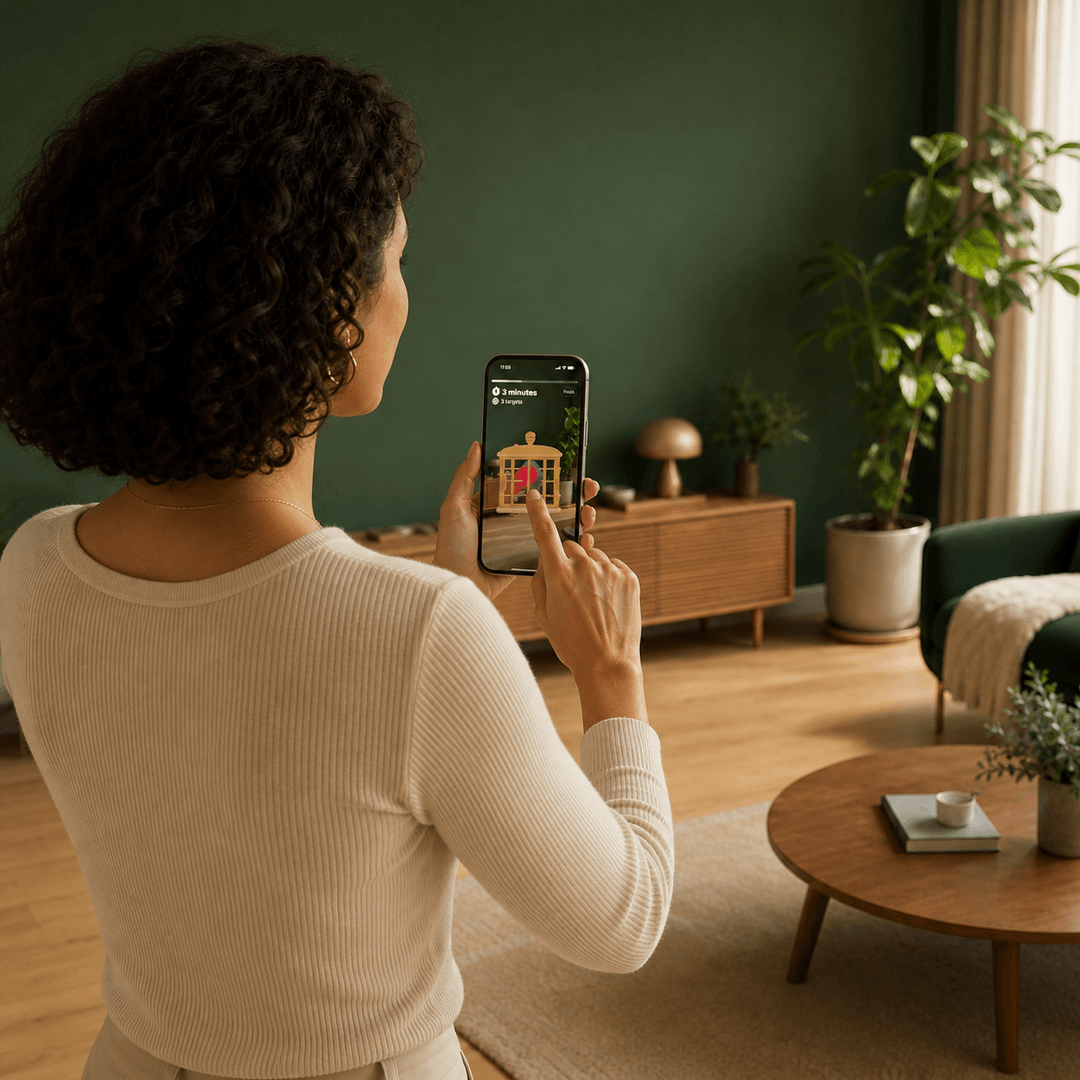
Alongside Catch the Tone — the session you know, where you locate the birds carrying your tone and catch them one by one — there's now Soundscape.
Soundscape asks nothing of you. You sit back, put your headphones on, and let your tinnitus tone drift gently from ear to ear for fifteen minutes. No birds, no moving, no looking. The session opens with two seconds of silence and then fades in, so nothing ever bursts into your ears.
Catch the Tone remains the heart of the programme — keep it as your default. Soundscape is for the days you can't get up for it — late in the evening, during a flare-up, or when you simply don't have the energy. Both sessions count fully towards your streak and your 100 days.
One practice experience, the same for everyone
Two settings are gone. That was a deliberate choice, and it's the change you'll notice fastest.
Play style is gone. You used to pick whether you practised sitting, standing or moving, and that decided where the birds could appear. Now they always appear within a half circle in front of you, at one comfortable distance. The benefit is immediate: you never have to turn around to find a bird, and you no longer have to decide up front how you'll be sitting or standing. You just practise however suits you that day. Nothing about your past sessions changes.
Session length is fixed. The shortened and extended options are out. Catch the Tone is 10 minutes, Soundscape is 15. That may read like something taken away, but it's exactly what the programme asks for: one ten-minute session a day, for a hundred days. If one day runs seven minutes and the next runs fourteen, your journal stops being comparable with itself — and your progress tells you less than it could.
What you get in return is an exercise that does the same thing for everyone, and a journal where your days can genuinely be laid side by side.
Your journal now sees more than your tinnitus
After a session, the app used to ask how your tinnitus felt and how you felt about it. Now it asks three more things: how you slept, what you ate and drank, and how you spent your day.
That isn't curiosity. Sleep, caffeine, alcohol, stress and exercise all affect how loud tinnitus feels, and you'll never spot that connection from memory. Your journal will: there's a new lifestyle chart showing how your average intensity works out per factor, and the weekly analysis calls out what stands out. After a few weeks it says something you can actually use — "on nights you sleep badly, your intensity runs higher" is a different kind of insight than a hunch.
The check-in itself was rebuilt too: questions appear one at a time instead of all at once, and it opens with a word of praise. Everything after the first question can be skipped — a skipped question is simply left out of the analyses.
Also in the journal: two charts that told you little (intensity by time of day, and intensity over practice time) have been replaced, every chart now explains itself when there's nothing to plot yet, and you can tap a day in the calendar to see that session straight away. You can delete sessions now as well — bear in mind it affects your streak, your progress and the content you've unlocked.
Your streak survives a busy day
New: streak freezes. Miss a single day between two days you practised, and that day is bridged automatically. Your streak stands. One forgotten day no longer undoes weeks of work.
Two rules: the frozen day doesn't count towards your total itself, and missing two days in a row still ends your streak. And on days you haven't practised yet, there's now an exclamation mark on the Practice tab — a nudge before it's too late.
On your home screen you'll also see your practice days as x/100, with a bar towards the hundred-day goal. For the first time you can see at a glance how far along you are.
Everything in the app is findable now
There's a new Search tab. Type something and the app searches every video, article, link, tone and team member at once, closest matches first. Content you haven't unlocked yet shows up too, so you can see what's ahead.
The Articles tab is now Community. You'll find the same articles there, plus the people behind Freequency and behind the content you're watching.
One more thing about content: new content in your timeline now unlocks by practising, so the programme keeps pace with where you actually are in your 100 days.
More tones to match your tinnitus with
The tone generator was rebuilt, and there are now eleven shapes instead of four: alongside sine, square, sawtooth and triangle you get white, pink, brown, narrowband, grey, blue and violet noise.
That matters more than it sounds. Tinnitus that reads as hissing, static or rushing water could never be matched properly with a pure tone — now it can. And when you preview a tone in the app, you hear it at session loudness right away, so what you set is what you'll hear. Running several tones at once was already possible and still is.
The hearing test (Netherlands only, for now)
The Practice tab includes a hearing test: a screening that estimates your hearing threshold per ear across six frequencies, from 250 to 8000 Hz. Right ear first, then left, exactly the way an audiologist does it. You get an audiogram and an indication against the WHO grades, and the result is stored in your profile so you can follow it over time.
Two things to know. It's a screening, not a diagnosis — take the result to an audiologist or your GP. And the test is currently available in the Netherlands only; if your device is set to another region, you won't see the option.
And also
- Unlockable app icons. Keep practising and extra icons unlock, under Profile → App Icon.
- Editing your avatar now works with Save and Cancel, so you can try something out without it being final straight away.
- Checklists at the right moment. The mental wellbeing and hearing loss questionnaires used to sit in onboarding; now they appear when they're relevant — before your first session and before your first hearing test. Always available under Profile → Checklists.
- Settings split up. "Change Preferences" was broken apart into Reminders, Accessibility, Language and region, and App Icon. The whistle sound is now called "Chirp when the bird is found" and lives under Accessibility.
- Subtitles follow your iPhone. The separate switch in the app is gone. Turn on Settings → Accessibility → Subtitles & Captioning → Closed Captions + SDH and every video opens with subtitles.
- Terms and privacy policy are online now, so you always read the current version. They open from Profile → Help and support.
- Accessibility and stability. Larger text is respected properly throughout, warnings about muted or low volume now come before the headphone prompt, and the widgets and Apple Watch no longer crash when refreshing on a locked device.
About your data
This update added anonymous usage analytics. It shows us which screens and features get used — and nothing else. No advertising identifier, no tracking across apps, no user ID.
What doesn't go anywhere: your sessions, your tinnitus scores, your questionnaire answers, your hearing test results, your search terms and your profile details. Those stay on your device and in your own private iCloud. The full privacy policy is on freequency.app.
A few days of adjusting, then better
An update this size means things aren't where you left them. That's a few days of looking around. What you get for it is an app that asks less of you before you can start, a journal that connects dots you can't see yourself, and a streak that doesn't collapse over one busy day.
Run into something that looks wrong, or missing something you relied on? Let us know via Profile → Help and support. We read everything.