

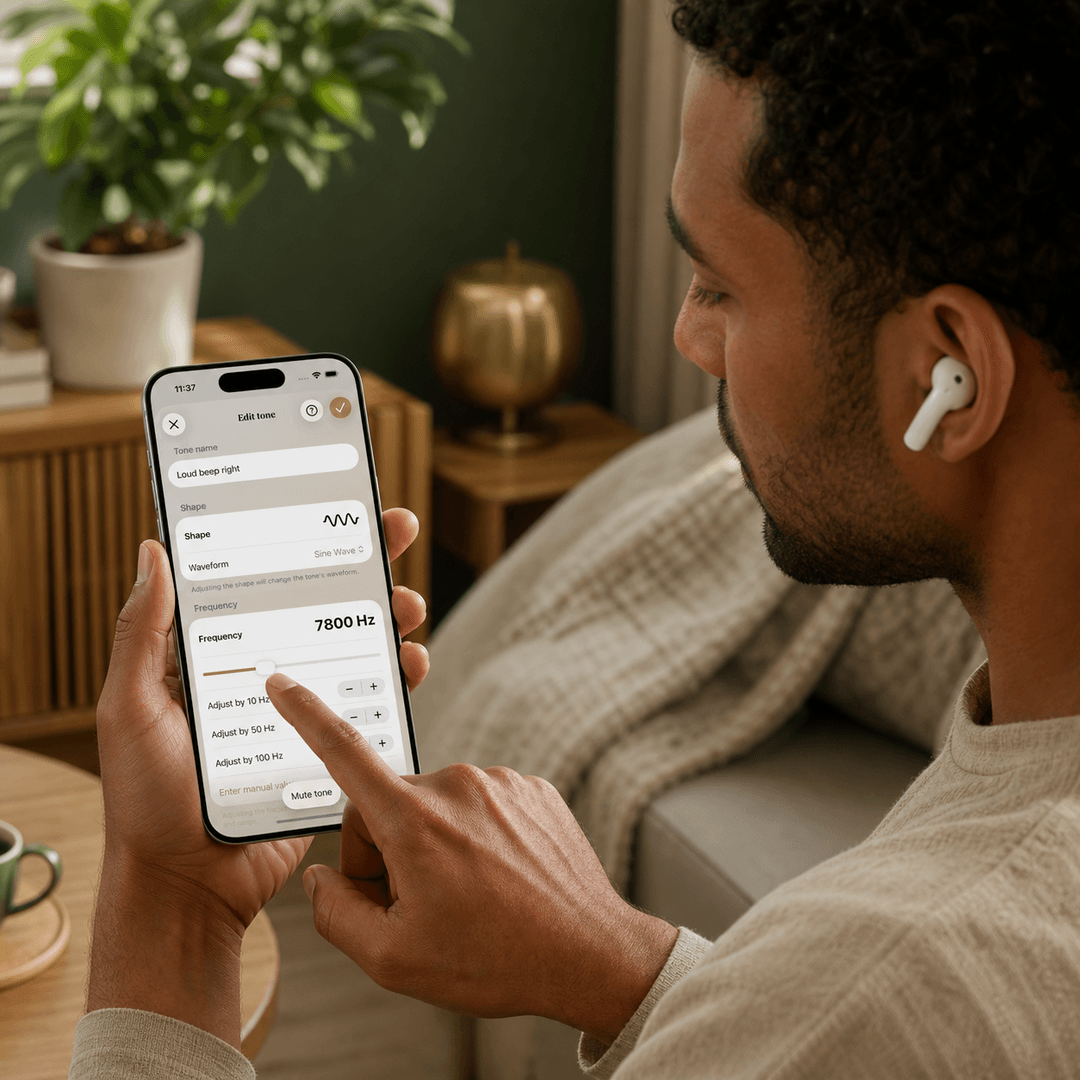
To get started with Freequency, it's important to find the tone that comes closest to your tinnitus tone. Many people feel unsure when creating the tone, because recreating a sound that only exists in your own head is difficult. The tones in the tone maker are standard and versatile, but it's still possible that your specific tinnitus tone isn't an exact match among them.
That doesn't have to be a problem, and it doesn't have to be right the first time either. If you find a tone that comes close, exposure therapy is still possible. Just go ahead with it: try it out, play with it, and tweak it afterward where needed.
Name
Start with the name
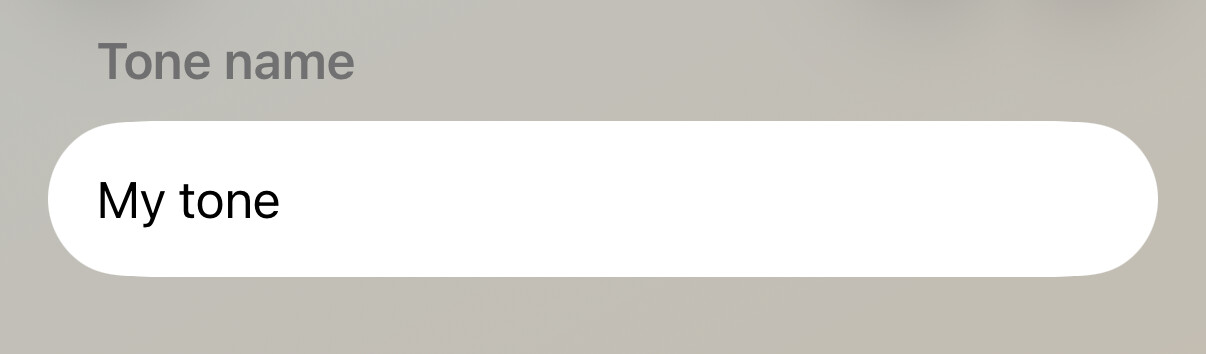
Give your tone a name. This can be a real name, but it can also simply be something like "tinnitus tone 1".
Shape
The shape of your sound
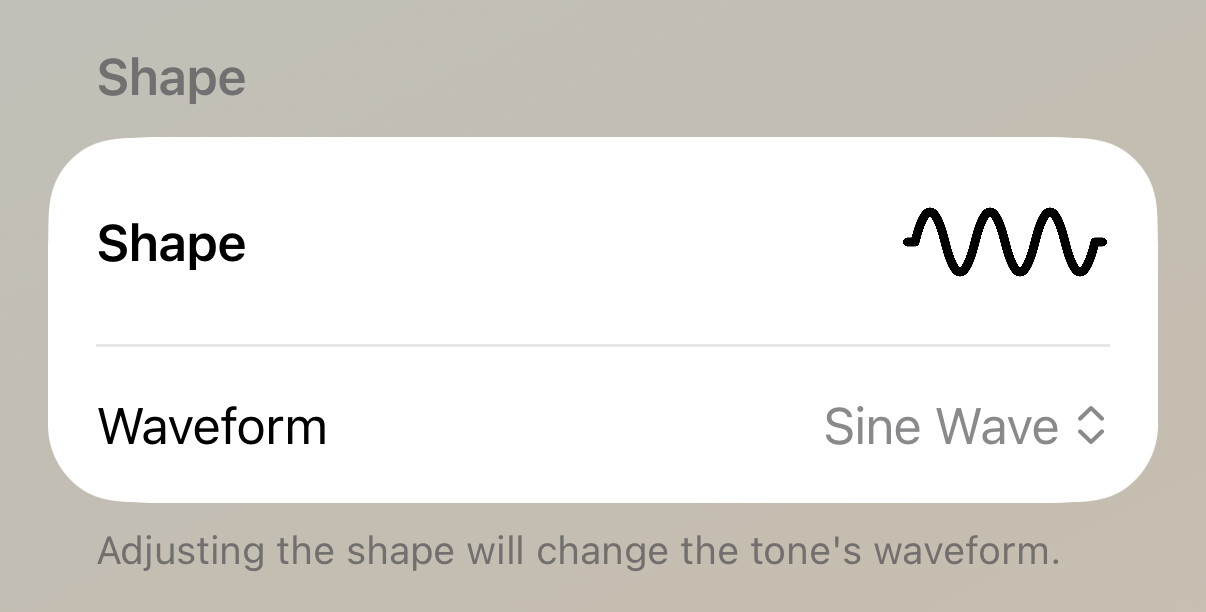
This is the trickiest step right away. Listen carefully to the different types of sound and switch between them a few times, separate from the pitch, to feel what fits.
A quick rundown of what you hear per shape: a pure tone (sine wave) sounds clean and smooth, like a clear beep. A square wave sounds fuller and somewhat electric or buzzing. A sawtooth wave is the sharpest and roughest of the four. A triangle wave sits in between: softer than the square and sawtooth waves, but less bare than the pure tone. Do you hear more of a hissing or rushing sound than a clear tone? Then you're probably in noise territory. Filtered noise puts a bit more emphasis on high or low tones, band-limited noise is noise that's narrowed around one pitch.
You can also first choose the type (noise or a wave) and get an approximate sense of the frequency. Once you've roughly found the pitch, you can then switch between the wave shapes.
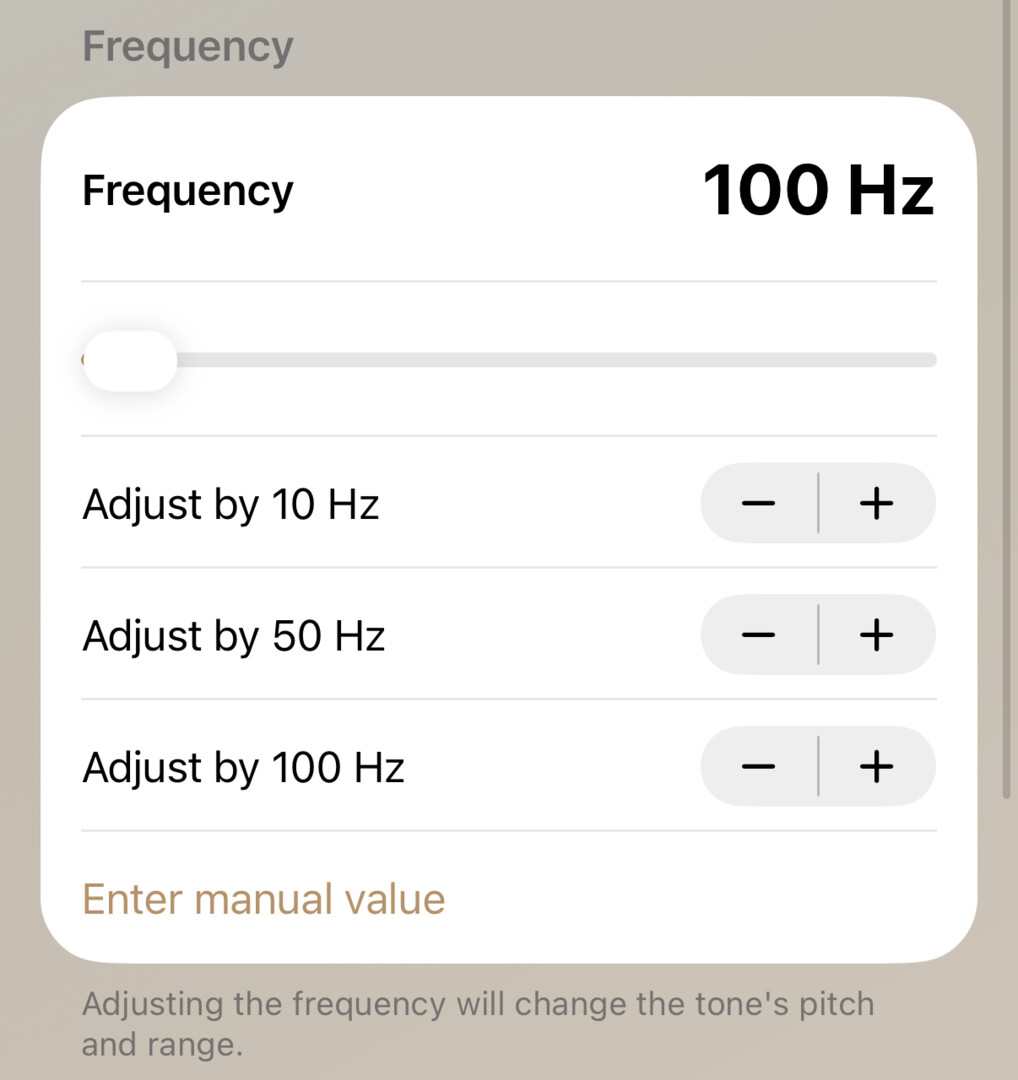
Frequency
Are you close to the right frequency? Use the 10, 50, or 100 Hertz buttons to move up or down in small steps. Also use the "hold to mute" button so the tone briefly disappears and you can listen to your own tinnitus. Have you had your tinnitus measured before and do you know exactly how high your frequency is? Then enter it manually. Do you prefer an online test? Use that instead and enter the frequency you find manually afterward.
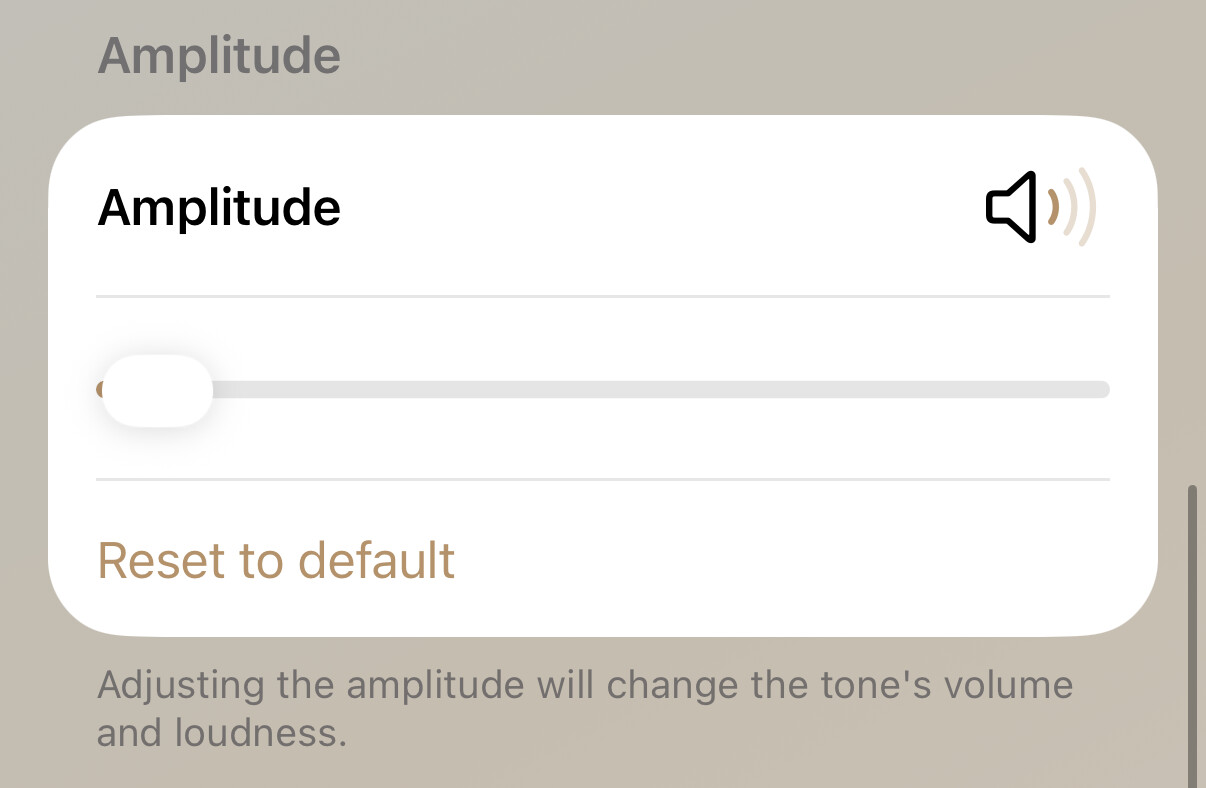
Amplitude
The amplitude determines how loud you hear your tone. Match this to the loudness of your tinnitus sound. You can also play with your phone's volume settings, but make sure they always stay at the same level.
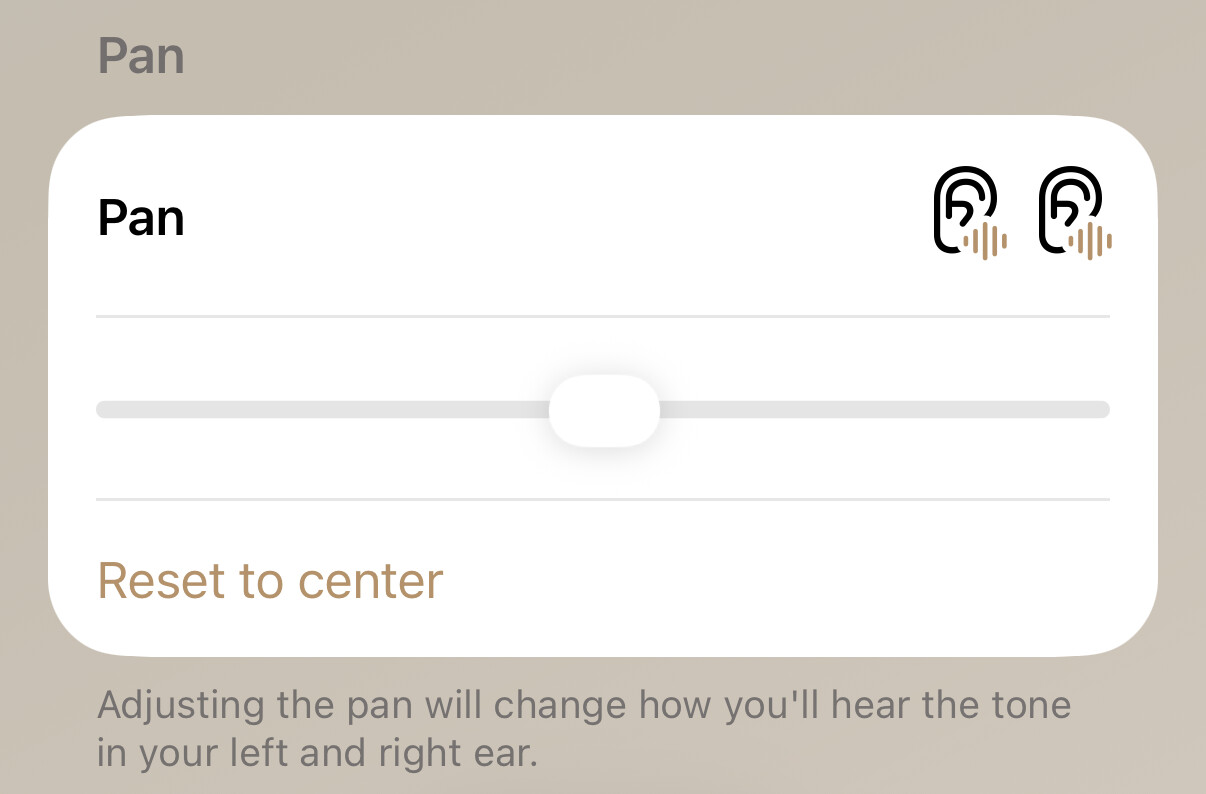
Pan
Use the pan to divide the sound between your left and right ear. Do you only hear your tinnitus in your left ear? Then set the balance all the way to the left. Try this out carefully a few times as well.
Multiple sounds
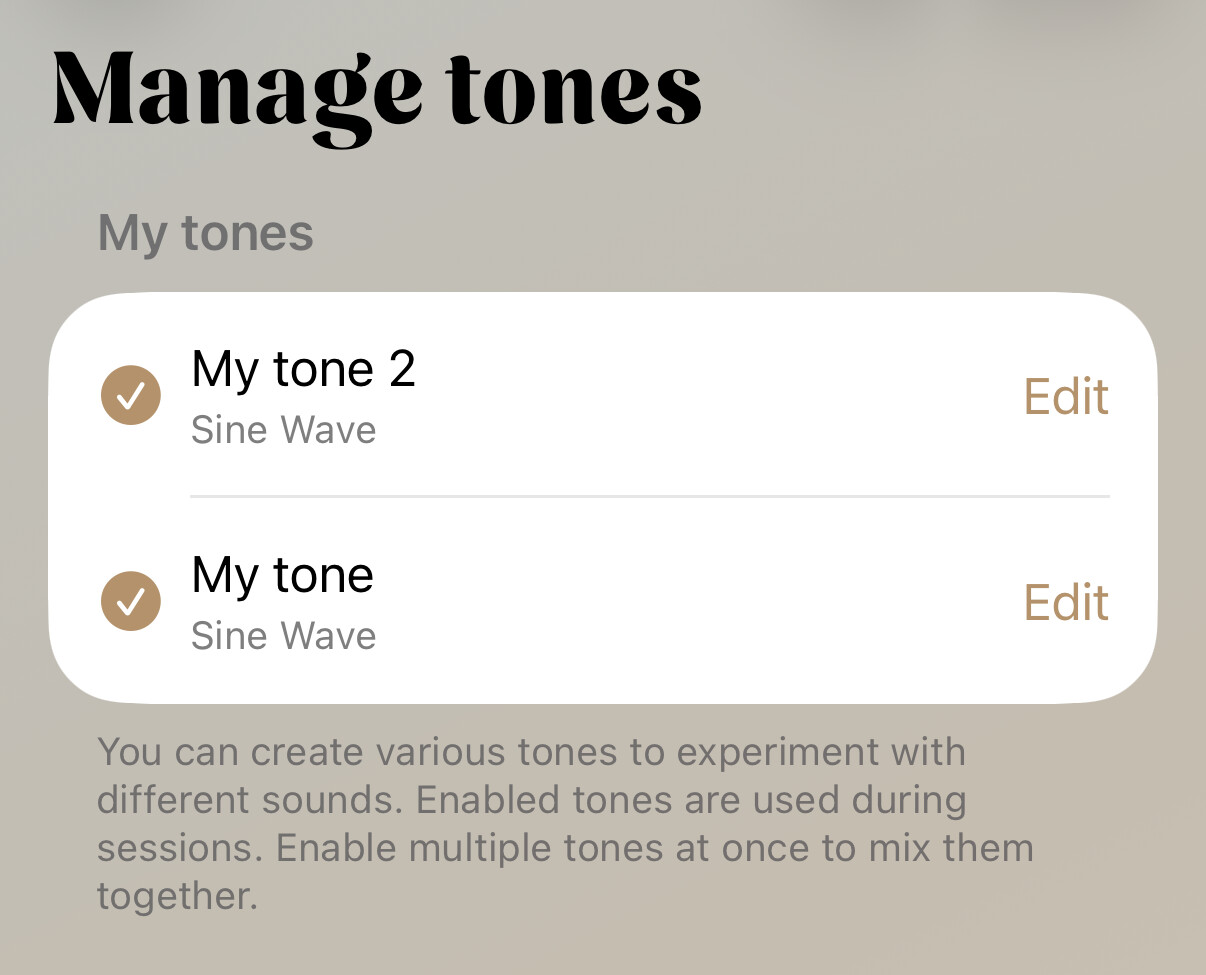
Do you hear more than one tinnitus sound? Then it's up to you: you can choose to do one session with one tinnitus sound, and another time with a different one. This depends on which one you feel like working with at that moment. Do you hear two tones at once, for example a high tone with a deeper sound underneath it? In the tone maker, create two separate tones. In the "Manage your tones" tab, check both of them, and they'll be combined and played together.
On the "Manage your tones" screen, you'll see a small speaker icon and a plus icon in the bottom right. Use the speaker icon to listen back to your tone at any time. Use the plus icon to create an additional tone.
It can be a real puzzle, and unfortunately, that's just part of the process. We hope you can find a tone that closely enough matches your tinnitus sound. If that doesn't work, and your sound just isn't among the options, let us know at [email protected] so we can keep expanding our tone maker.